
Custom vs Off-the-Shelf WordPress Plugin: When Do You Actually Need a Custom Plugin?
When do you need a custom WordPress plugin instead of an off-the-shelf one? Four measurable criteria: plugin stacking, 3-year subscription cost, abandoned-plugin vulnerabilities, and private API integrations, plus when off-the-shelf is the better choice.
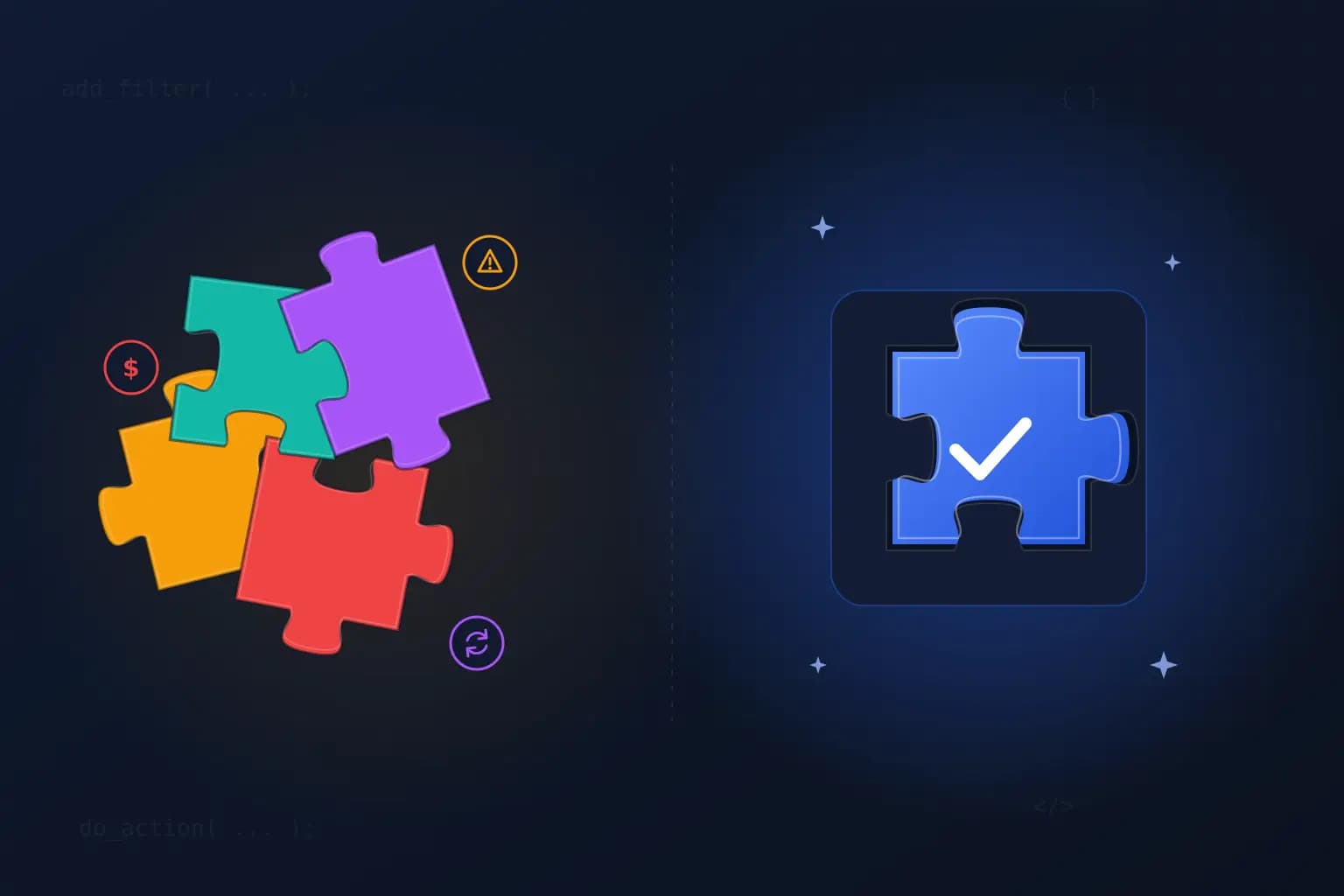
Every WordPress site starts with off-the-shelf plugins, and at the start that is the right call. But a year or two later, many site owners look at a different picture: four plugins working together to perform a single function, annual renewal invoices piling up quietly, a plugin its developer hasn't touched in two years, and an internal company system that has no plugin at all.
That is when the question comes up: do we keep adding plugins, or do we build a custom plugin that does exactly what we need?
At Pomnex we build custom plugins, so we have an obvious interest in one answer. That is why this article does what our previous ones did: it gives you concrete decision criteria you can measure yourself, and it dedicates a full section to the cases where an off-the-shelf plugin is the better choice.
If you're looking for the bigger picture of the ongoing care your site needs, start with our guide: What Is WordPress Website Maintenance? A Complete Guide for Businesses.
Before the criteria: what is the real difference?
The difference isn't "cheap ready-made" versus "expensive custom". It is about who owns the code and who carries the cost of change over the years:
An off-the-shelf plugin is written to fit thousands of sites. You pay an annual subscription (or nothing, if it's free), and its developer decides when it gets updated and which features are added or removed. You get plenty of features you don't need, and sometimes not the one feature you do.
A custom plugin is written for one requirement: yours. You pay to build it once, the code is yours, but keeping it working as WordPress changes falls to you or whoever you hire to maintain it.
So the right question isn't "which is cheaper today?" It's this: which carries less cost and risk over the next three years, given what your business actually needs?
Criterion 1: How many plugins does one function take?
The first sign we look for when reviewing a site is plugin stacking: a main plugin, then an add-on to fill a gap in it, then a third to fill a gap in the second, then code snippets in functions.php to patch what none of the three do.
A real-world example: a WooCommerce store selling monthly subscriptions that needs custom cancellation rules, a chosen start date, and a minimum subscription length. On the official WooCommerce Marketplace:
WooCommerce Subscriptions: $279/year (the base plugin).
Custom Cancelation Rules: $89/year.
Custom Start Date: $89/year.
Minimum Periods: $39/year.
Four plugins from four different developers to run one business function. And every one of them means:
A separate update cycle that can break compatibility with the others.
Additional attack surface where a vulnerability can appear.
A potential conflict point that is hard to trace. One WooCommerce Subscriptions user wrote in a Marketplace review that a serious issue eating up their time turned out to be a conflict with a discount-rules plugin, while they had been looking in completely the wrong place.
The rule of thumb: if you need three or more plugins to perform one business function, or one plugin plus code snippets that correct its behaviour, that is a strong signal to evaluate a custom alternative.
But note: the answer doesn't have to be replacing everything. In the example above, replacing WooCommerce Subscriptions itself would usually be a bad decision: it's a mature plugin that integrates with more than 25 payment gateways. The smarter move is often a single custom companion plugin that builds on the base plugin's hooks and replaces the three add-ons. The mature plugin keeps doing what it does well, and custom code handles what is specific to your business.
Criterion 2: Calculate subscription costs over 3 years, not one
An $89-a-year subscription looks too small to think about. The problem is that the decision is never about one subscription or one year. Here is how we calculate it:
Add up every paid plugin tied to the function you're evaluating, not every plugin on the site.
Multiply the annual price by 3, a reasonable lifespan for any technical decision.
Multiply by the number of sites if you're a multi-site business or an agency, and check each plugin's licence terms: some cover one site, others several.
Add the cost of time: hours spent tracing conflicts, renewing licences, and tracking price changes.
At today's published prices:
Gravity Forms Pro (3 sites): $159/year → $477 over 3 years.
WP Rocket (1 site): $59.95/year → about $180 over 3 years.
The three add-ons in the subscriptions example: $217/year → $651 per site over 3 years.
The same add-ons across 10 sites (if licensed per site): $6,510 over 3 years.
The fair reading of these numbers: if you run one site with around $200 a year in subscriptions, a custom plugin usually won't be cheaper, because building and maintaining it costs more than that. The break-even point shows up in three situations:
Several sites need the same function.
Stacking costs you subscriptions, time, and conflicts all at once.
A subscription doesn't fully do the job, so you pay for it and for the workarounds too.
And remember that today's price isn't guaranteed two years from now. If a critical business function depends on a price someone else sets, that risk belongs in the calculation.
Criterion 3: Vulnerabilities in abandoned plugins
This criterion is about security before it is about money, and the numbers leave little room for complacency:
Patchstack's 2026 report counted 11,334 new vulnerabilities in the WordPress ecosystem in 2025, up 42% on the previous year, with 91% of them in plugins.
46% of those vulnerabilities had no patch available at the moment of disclosure.
Patchstack estimates that roughly a third of vulnerabilities in the ecosystem never get patched at all, usually because the plugin has been abandoned.
In an earlier campaign, Patchstack reported 404 vulnerabilities in plugins with unresponsive developers to the WordPress.org team, affecting more than 1.6 million sites; over 70% of those plugins were closed.
Abandoned plugins don't announce themselves. These are the signs we look for:
The last update was more than a year ago.
A warning on the WordPress.org plugin page that it hasn't been tested with the last three major WordPress releases.
The plugin has been closed in the directory, which needs immediate action.
A support forum with no developer replies for months.
What should you do when you find one? The first step isn't necessarily building a custom replacement. Look first for an active, well-maintained alternative that does the job. But if the function is critical to your business and no maintained alternative exists, or the only alternative introduces new stacking, a custom plugin becomes a security decision before it's a technical one.
To be fair: custom code is not automatically secure. A custom plugin written without standards can be more dangerous than a well-maintained off-the-shelf one. What makes it secure is how it's written: validated input, escaped output, capability checks, prepared queries, a security review before handover, and ongoing maintenance after it.
Why does this matter? Because abandoned plugins are one of the most common ways into a WordPress site. If you need help after a breach, contact our team.
Criterion 4: Do you need an integration with a private API?
This is the clearest of the four. Off-the-shelf plugins are built for services a large audience uses. But many businesses run on systems that have no plugin at all:
An in-house ERP or CRM built specifically for the company.
A local shipping company or regional payment gateway with no official WordPress plugin.
An accounting or invoicing system that needs orders delivered in a specific format.
An internal platform whose data must sync with the site in both directions.
Generic middleware (such as no-code automation tools) works for simple flows, but it's often priced per task, routes your data through a third party, and can fail silently when either side breaks.
A well-built custom integration handles what generic tools ignore: authentication, retries on failure, a clear error log, and an alert when syncing stops.
Fair again: if the service provider itself offers an official, maintained plugin, use it. They know their API best and will update the plugin when they change it.
When is an off-the-shelf plugin the right choice?
This section matters as much as everything above. In many cases, building a custom plugin wastes money and time:
The need is generic and shared: contact forms, caching, SEO, backups, general security. Mature plugins with full teams have solved these, and you won't build something better on a single project's budget.
The plugin is mature and active: regular updates, a large user base, and a developer who responds to vulnerabilities. That kind of plugin gives you years of development for a small subscription.
The function is governed by constantly changing requirements: payment gateways, taxes, compliance. A specialised team tracking those changes beats code you maintain alone.
You're testing an unproven idea: if you're not sure a feature will be used, start with off-the-shelf. Build custom only once real usage proves it's worth it.
An off-the-shelf plugin covers 80%+ of what you need: extending it through its hooks is usually enough, rather than replacing it.
Budget and time don't allow it: a custom plugin needs time to build and test. If you need the function tomorrow, off-the-shelf is the realistic answer for now.
A live example: why we built Pomnex Update Check and made it open source
Instead of theory, here's an example from our own work.
The problem: updates are the most common reason WordPress sites break, and the worst breakages are the silent ones: the site loads, but the checkout button is gone or the contact form stopped rendering. WordPress 6.6 and later rolls back a plugin auto-update only when it causes a PHP fatal error on the home page. It doesn't cover your other important pages, manual updates, or non-fatal breakages.
The existing options were either external services that need an account and send your site's data to a third party, or heavy screenshot-comparison tools most site owners don't need.
What we built: Pomnex Update Check, a plugin with one job. You pick up to 5 important pages (checkout, contact, login) and set a piece of text that must always appear on each. After every core, plugin, or theme update, it checks that the page loads without errors, that the key element is still there, and that stylesheets and scripts still load, then emails you naming the page and the update that came right before the problem.
Why do we see it as a good example of a custom plugin done right?
One defined job instead of a bundle of features.
Openly stated limits: its readme says plainly what it doesn't do (it doesn't fix problems, roll back updates, or take screenshots).
No external service: everything runs on your own site, with no account and no data sent anywhere, including to us.
Open code under GPLv3 on GitHub, with automated tests and coding standards any developer can review.
These are the same standards we apply to the custom plugins we build for clients. The only difference is that those plugins stay with their owners.
If you manage several sites and need to watch updates, uptime, and SSL certificates in one place, we're building Pomnex Pulse for exactly that.
A quick test: 7 questions before you decide
Answer these about the function you're evaluating:
How many plugins currently run this function? Is there corrective code alongside them?
What will these plugins cost over 3 years, across all your sites?
When was each one last updated? Does its developer answer in the support forum?
Does the function need to talk to a system with no official plugin?
How many times has this function broken after an update in the past year?
Is it part of what sets your business apart, or a generic need every site has?
Who will maintain the custom code after handover?
How to read your answers: if most point to one active plugin, a reasonable cost, no private integrations, and a generic need, off-the-shelf is your decision. If you see stacking, rising costs, neglected plugins, or a private integration, and the function is core to your business, a custom plugin deserves a serious look. Don't skip question seven: a custom plugin with no one to maintain it becomes just another abandoned plugin within two years.
What a custom plugin project looks like with us
If you've concluded a custom plugin is the better fit, this is how our custom WordPress plugin development service works:
Describe the problem in your own words: no technical spec needed, just what your business needs.
We review what's running on your site today and decide what gets replaced and what stays.
A written quote before we start: the technical approach, scope, and price before any commitment.
We extend, we don't edit: we never modify a third-party plugin's files, because its next update would erase the change. We build through its hooks or as a companion plugin.
The code is yours, documented well enough for any other developer to pick it up.
Maintenance after handover through our WordPress care and maintenance plan, so the plugin never becomes a liability.
Want to see how we operate end to end? Read how we work.
Frequently asked questions
Is a custom plugin more secure than an off-the-shelf one?
Not automatically. A custom plugin is less exposed to mass attacks because it isn't installed on thousands of sites, but its real security depends on how well it's written, reviewed, and maintained. An active off-the-shelf plugin maintained by a serious team beats custom code written in a hurry.
How much does a custom WordPress plugin cost?
It depends on what the plugin has to do. A simple admin tool is a very different job from an integration with several external systems, which is why we send a written quote for each project after reviewing your requirements. Most importantly, compare that cost with the total of your subscriptions over 3 years, not one.
Can I combine off-the-shelf and custom plugins?
Yes, and that's usually what we recommend. Keep mature plugins for what they do well (payments, forms, caching), and build one custom plugin for what's unique to your business, connected to the off-the-shelf ones through their hooks.
How do I know if a plugin has been abandoned?
Check the date of its last update, look for the "not tested with the latest 3 major releases" warning on its WordPress.org page, and check its support forum. If a year has passed with no updates and no replies, treat it as abandoned.
Will a custom plugin stay compatible with future WordPress updates?
If it's built on WordPress's documented APIs and official coding standards, it will generally keep working across new releases. But every plugin needs attention as WordPress evolves, so know who will maintain it before you build it.
Conclusion
Off-the-shelf plugins are the right decision for most generic needs, and no one should talk you out of that. But four signals deserve a pause and a recalculation: three or more plugins for one function, subscriptions that exceed the cost of building and maintaining over 3 years, an abandoned plugin in a critical function with no maintained alternative, and an integration with a private system that has no official plugin. When two or more of them show up together, a custom plugin isn't a luxury; it's often the cheaper and safer choice.
If you'd like us to review the plugins running on your site and tell you honestly what's worth replacing and what should stay, even if the answer is that you don't need a custom plugin, get in touch or explore our custom plugin development service.
Sources
Patchstack: State of WordPress Security in 2026
WP Tavern: Patchstack Reports 404 Vulnerabilities to the WordPress.org Plugins Team
WooCommerce: WooCommerce Subscriptions and related extensions
Gravity Forms: Pricing
WP Rocket: Pricing
WordPress Developer Resources: Plugin Handbook
GitHub: Pomnex Update Check