
What Is WordPress Website Maintenance? A Complete Guide for Businesses
Keep your WordPress website secure, fast, and reliable with regular updates, backups, security monitoring, and proactive maintenance.
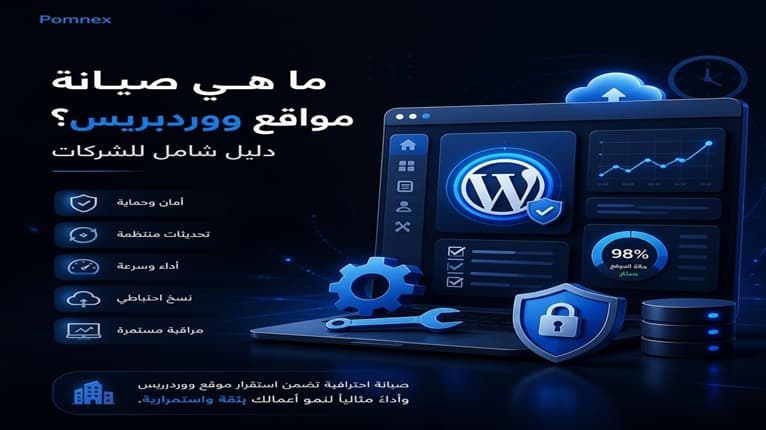
What Is WordPress Website Maintenance? A Complete Guide for Businesses
A WordPress website needs ongoing care to remain secure, fast, and reliable. As your website grows, outdated software, security threats, plugin conflicts, performance issues, and technical errors can affect how it works and how your customers experience it.
WordPress website maintenance is the ongoing process of updating, monitoring, protecting, and managing your website to keep it running smoothly and reduce the risk of unexpected problems.
For businesses, proper maintenance means fewer technical issues, less downtime, and more time to focus on running and growing the business.
Why Do Businesses Need WordPress Maintenance?
WordPress, plugins, and themes are regularly updated with security fixes, bug fixes, performance improvements, and compatibility changes.
Without regular maintenance, your website may eventually experience:
Security vulnerabilities or malware.
Website downtime.
Slow page loading.
Plugin or theme conflicts.
Broken forms or website functionality.
Data loss after a technical problem.
Poor user experience.
Lost leads, customers, or sales.
A website may appear to be working normally while problems are developing in the background. Proactive maintenance helps identify and address these issues before they become serious.
What Does WordPress Website Maintenance Include?
Professional WordPress maintenance services can include several areas of ongoing website management.
WordPress, Plugin, and Theme Updates
Keeping WordPress and its components updated helps address security vulnerabilities, bugs, and compatibility issues.
However, professional maintenance is more than clicking the Update button. Important updates should be handled carefully and the website should be checked afterward to make sure everything still works correctly.
Website Backups
Regular backups provide a recovery option if your website is hacked, an update fails, files become corrupted, or something is accidentally deleted.
Reliable backups should be stored securely and be available for restoration when needed.
Security Monitoring
Security monitoring helps identify suspicious activity and potential threats before they cause serious damage.
Depending on the website, this may include:
Monitoring login activity.
Checking for suspicious files.
Detecting malware.
Monitoring security updates.
Reviewing users and permissions.
Checking for unexpected changes.
Security is not simply about installing a security plugin. It requires ongoing monitoring and proper maintenance.
Keep Your WordPress Website Secure and Running Smoothly
Get professional WordPress maintenance from $149. We monitor, maintain, and protect your website so you can focus on your business.
[Get Started]
Performance Monitoring
A slow website can frustrate visitors and negatively affect the overall user experience.
Performance issues can come from poorly optimized plugins, large files, database problems, inefficient code, hosting limitations, or other technical factors.
Regular monitoring helps identify the actual cause instead of relying on generic speed fixes.
Uptime and Error Monitoring
Your website can experience problems even when it appears to work normally when you check it manually.
Uptime monitoring detects when your website becomes unavailable, while error monitoring can help identify issues such as PHP errors, JavaScript errors, broken forms, or other technical problems.
Early detection means problems can be investigated and resolved sooner.
SSL and Domain Monitoring
An expired SSL certificate can trigger security warnings for visitors, while an expired domain can make your entire website unavailable.
Monitoring these services helps identify upcoming expiration dates and gives you time to take action.
WordPress Maintenance vs. WordPress Troubleshooting
Maintenance and troubleshooting are related, but they are not the same.
WordPress troubleshooting focuses on fixing a problem that has already happened for example, a website breaking after a plugin update.
WordPress maintenance focuses on keeping the website healthy and identifying potential problems before they become major issues.
In simple terms:
Troubleshooting fixes problems. Maintenance helps prevent them.
For businesses that depend on their website, ongoing maintenance can reduce the need for emergency fixes and minimize downtime.
Does WordPress Maintenance Help With SEO?
WordPress maintenance is not an SEO service, but it supports the technical health of your website.
Slow loading, downtime, broken functionality, technical errors, and security issues can all affect the user experience and the overall quality of your website.
Keeping your WordPress website secure, stable, and technically healthy provides a stronger foundation for your SEO efforts.
However, maintenance and SEO have different purposes:
WordPress maintenance focuses on keeping your website secure, functional, and reliable.
SEO focuses on improving your visibility in search engines and attracting relevant visitors.
Can You Maintain WordPress Yourself?
Yes. Basic tasks such as updating WordPress, managing plugins, and creating backups can be handled by website owners.
However, business websites often require more than basic maintenance, especially when they include:
E-commerce functionality.
Customer accounts.
Payment systems.
Custom plugins.
Custom integrations.
Important business data.
Technical issues involving security, PHP, databases, servers, or plugin conflicts may also require professional expertise.
For businesses that do not want to spend their time managing these technical tasks, professional WordPress maintenance services can provide ongoing support and monitoring.
How Can Pomnex Help?
At Pomnex, we manage and maintain WordPress websites for businesses and individuals, with a focus on keeping them secure, fast, and reliable.
Our approach is proactive rather than simply waiting for something to break.
Depending on your website and requirements, maintenance can include:
WordPress, plugin, and theme updates.
Regular backups.
Security monitoring.
Uptime monitoring.
Performance monitoring.
Technical issue detection.
WordPress troubleshooting.
Plugin and theme compatibility fixes.
Ongoing technical support.
Instead of spending your time checking updates, monitoring uptime, or worrying about technical problems, you can focus on your business while we take care of the technical side of your WordPress website.
Conclusion
WordPress website maintenance is an ongoing process that helps keep your website secure, fast, stable, and reliable.
It goes beyond updating plugins. Professional maintenance can include backups, security monitoring, performance monitoring, uptime checks, technical troubleshooting, and ongoing website management.
For businesses, proactive maintenance can reduce technical risks, minimize downtime, protect your website investment, and provide a better experience for customers.
If your WordPress website is an important part of your business, Pomnex can help you keep it running reliably while you focus on growing your business.
Secure. Fast. Always Running.
Related articles
wordpress-maintenanceWordPress Security
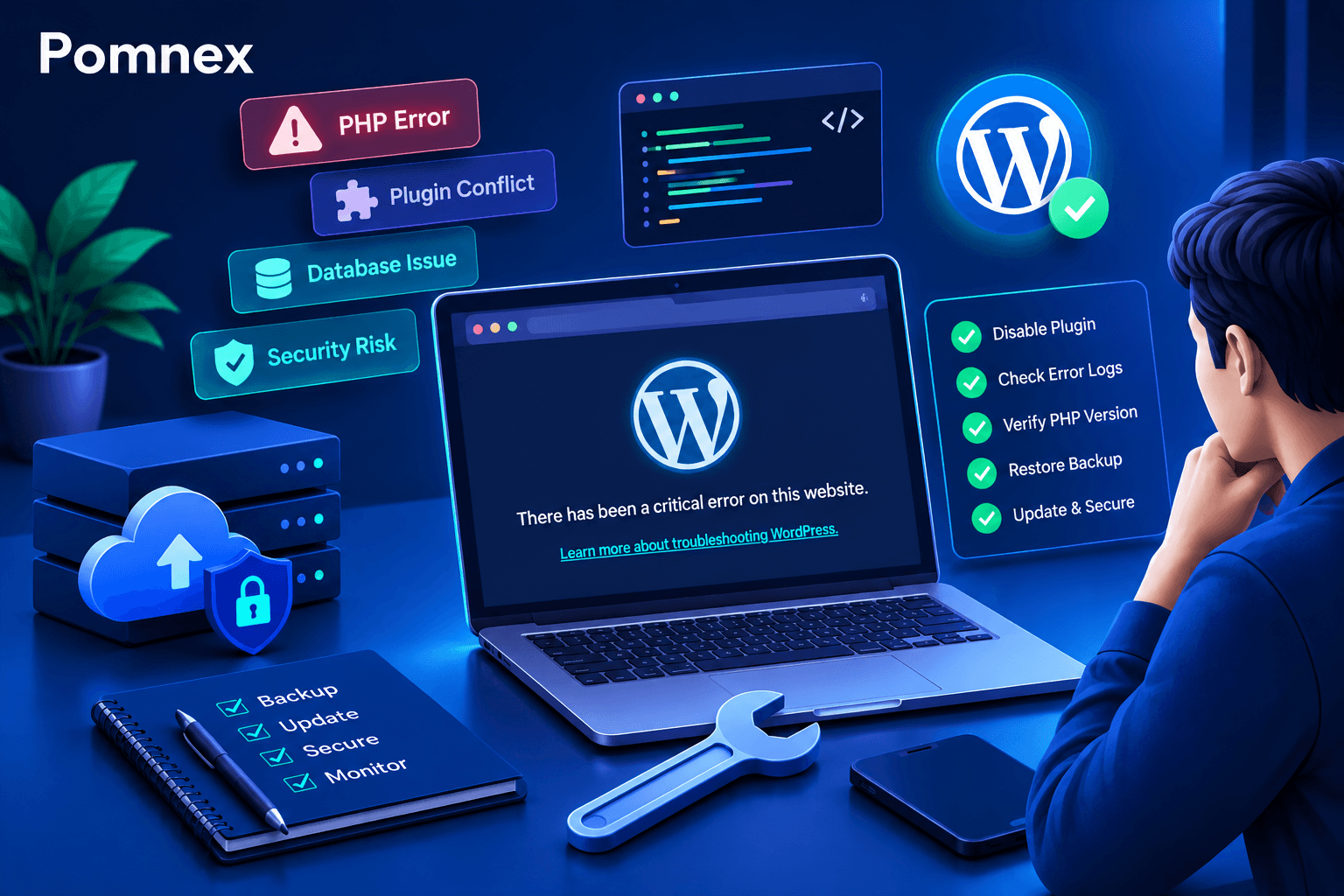
How to Fix the WordPress Critical Error After a Plugin Update
Did a plugin update trigger a critical error on your WordPress site? Learn how to identify the cause, check error logs, disable the faulty plugin, and safely restore your website.
wordpress-maintenance
WordPress Site Health Check: 9 Tests Every Website Owner Can Run
Learn how to check your WordPress site's health with practical tests for performance, security, email delivery, broken links, scheduled tasks, and website functionality.
wordpress-maintenance
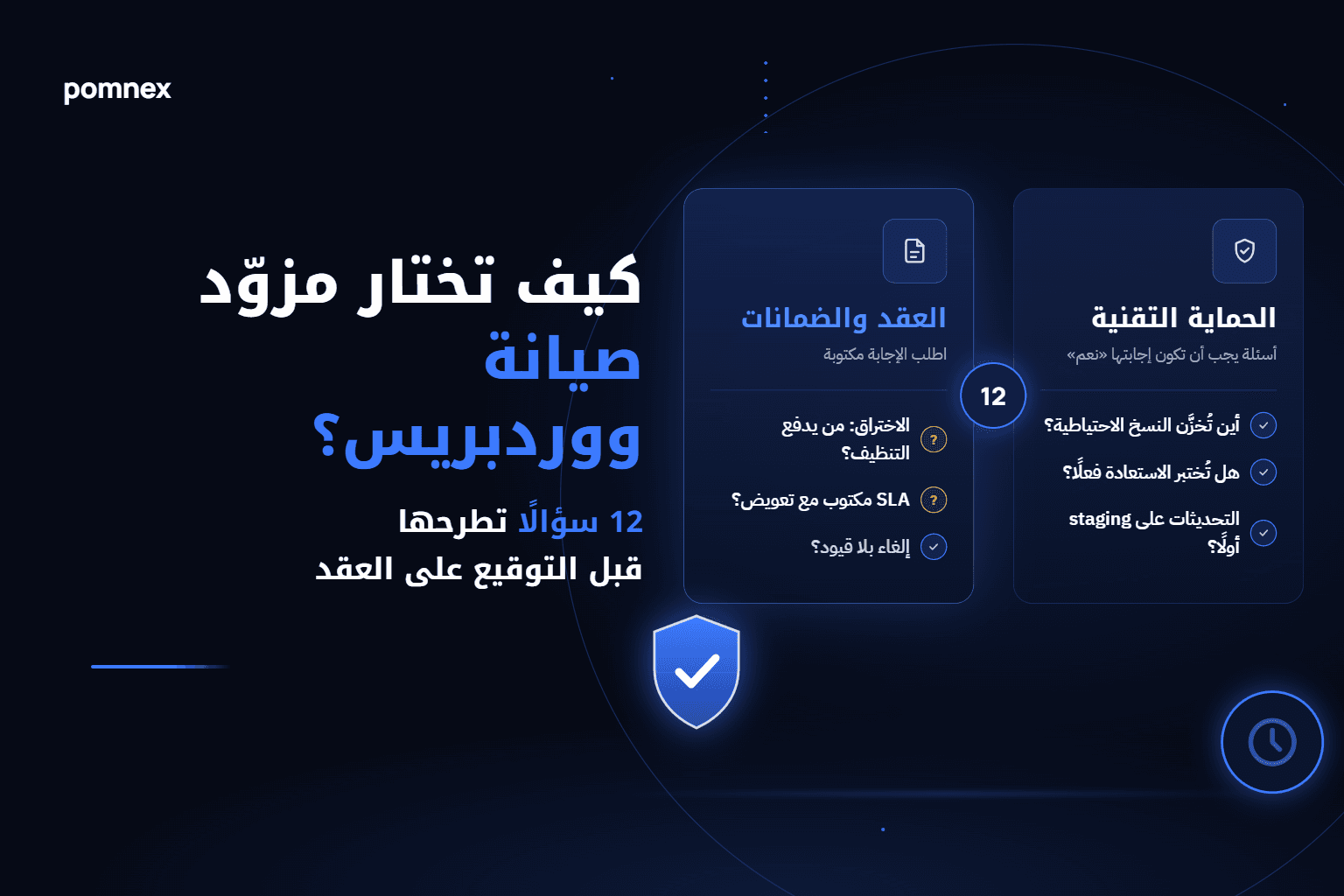
How to Choose a WordPress Maintenance Provider: 12 Questions to Ask Before You Sign
Before you sign with a WordPress maintenance provider, ask: where are backups stored, are restores tested, are updates staged first, who pays when you're hacked? An honest checklist plus a comparison of provider types.