
How to Choose a WordPress Maintenance Provider: 12 Questions to Ask Before You Sign
Before you sign with a WordPress maintenance provider, ask: where are backups stored, are restores tested, are updates staged first, who pays when you're hacked? An honest checklist plus a comparison of provider types.
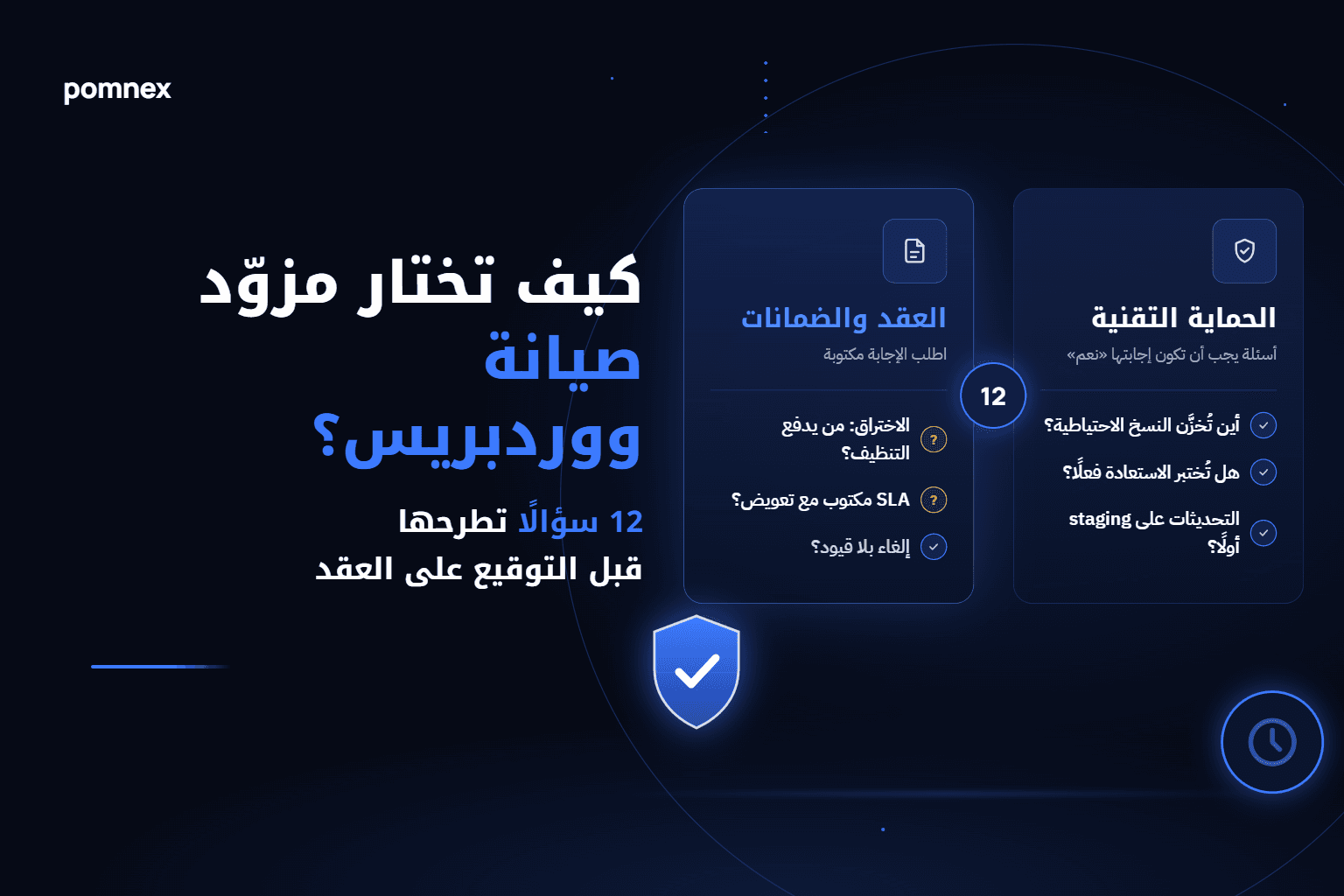
You're at the final stage. Two or three WordPress maintenance providers are on your shortlist, the prices are close, and every service page promises "backups", "safe updates" and "24/7 monitoring". The trouble is that those same words mean very different things from one provider to the next, and the difference only shows on the day your site goes down.
This article is a list of questions to ask before you sign, with what a good answer sounds like and what should worry you. Pomnex is a maintenance provider too, so we wrote the criteria to apply to us as much as anyone else. At the end you'll find a comparison of provider types with real examples of each, us included, covering what we publish and what we haven't published yet.
If you're still deciding whether you need maintenance at all, start with our complete guide to WordPress website maintenance. If you're weighing a hire against an outside provider, read in-house developer vs. outsourced maintenance, in numbers.
Why price shouldn't be your first question
The gap between a $70 plan and a $200 plan looks large on paper, but it's small next to the cost of one day with your store offline, or a week spent cleaning up a hack the plan didn't cover. Price doesn't tell you what happens on your worst day; the questions below do. Ask them in writing and get the answers in writing, because nothing said on a sales call binds anyone.
Part 1: Backups and restores
1. Where exactly are the backups stored?
This is the most important question on the list and the one most often skipped. A backup kept on the same server that runs your site won't help if that server fails, the hosting account is suspended, or an attacker gets to the files. WordPress's own documentation recommends keeping several recent backups in different locations, and the standard rule of thumb is the 3-2-1 backup strategy: three copies of your data, on two different media, with at least one off-site.
This isn't only a small-provider issue. Even large managed hosts may keep daily backups close to the site: Kinsta's documentation, for example, states that each backup is stored on the same host machine as the site. That isn't a flaw in itself, but it means you should ask whether an extra copy exists somewhere independent.
A good answer: the name of the off-site storage (a cloud service separate from your host), who has access to it, and whether you can download a copy yourself at any time.
A warning sign: "your backups are stored safely" with no further detail.
2. How often are backups taken, and how long are they kept?
A brochure site that changes once a month is fine with daily backups. A store taking orders every hour loses real orders and customers if it loses a full day of database. Ask how often backups run and how long they're retained (7 days? 30? 90?), because some compromises stay hidden for weeks, and by the time you find them every backup from the last week is infected too. We explain why this math is different for stores in WooCommerce maintenance: what's different.
3. Are restores actually tested, and when was the last test?
A backup that has never been restored is an assumption, not a guarantee. Missing files, a corrupted database, an uploads folder silently excluded because of its size: you only find these when you try. Ask whether they run periodic test restores on a separate environment, how often, and whether they can show you the result of the last one.
4. How long would a full restore take if you needed it today?
Two ideas are worth naming here: how much data you could lose in the worst case (set by backup frequency), and how long the site stays down until it's back (set by the team's readiness and process). A provider who answers "within hours of your report, and we start immediately" beats one who answers "it depends".
Part 2: Updates
5. Are updates tested on staging first?
Most WordPress breakages don't come from hacks but from updates: a plugin that clashes with a theme, a PHP version an old plugin can't handle. A serious provider either tests updates on a copy of your site (staging) before applying them, or runs automated visual checks comparing pages before and after the update, or both.
Be realistic here, though. Patchstack's 2026 report found that 91% of vulnerabilities discovered in 2025 were in plugins, and that the most targeted ones are mass-exploited within hours of disclosure. Applying an urgent security patch straight to production, under close watch, can be the right call. So the sharper question is: what's your policy for routine updates, and what's your policy for urgent security updates?
6. Who fixes what an update breaks, and who pays?
Some plans update your plugins and then treat whatever breaks as "extra work" at an hourly rate. Ask plainly: if an update you applied breaks the checkout page, is the fix included? Do you have a fast rollback plan? And how do you find out something broke: do you check the site after every update round, or wait for me or my customer to report it?
Part 3: Security and hacks
7. What happens if the site is hacked, and who pays for the cleanup?
This question separates plans more than any other. Some providers include malware cleanup in every plan, some only in higher tiers, and some sell it as a separate service. Even when it's included, read the fine print:
Is cleanup unlimited, or once a year?
Does it cover a hack caused by a plugin they weren't allowed to update, or by a password one of your staff leaked?
Does it include getting the site off Google's blocklists and cleaning the database, or just the files?
Does it include finding the root cause and closing the hole, or just restoring an old backup?
How fast do they respond to an active compromise?
To know what should actually happen in those hours, read your WordPress site was hacked: what to do in the first hour, and compare each provider's answer against those steps.
Part 4: Commitments and contract
8. Is there a written SLA, and what's the compensation if it's missed?
A service level agreement is worth little unless it defines three things: what exactly is measured, what level is guaranteed, and what you get if it isn't met. Tell apart three kinds of promise:
Response time: when a human replies to your report (for example, within an hour for critical issues).
Resolution time: when the site is working again, a harder and rarer promise.
Uptime percentage: usually your host's responsibility, not your maintenance provider's.
For an example of a clearly written SLA, Kinsta's agreement guarantees 99.9% uptime and grants a credit of 5% to 20% of the monthly fee depending on how long the outage lasted, capped at one month's value, with exclusions such as scheduled maintenance windows and outages caused by customer code or third-party services. Notice that the compensation is a billing credit, not a refund of lost sales, which is normal for most agreements. What matters is knowing that before you sign, not after the outage.
And if a maintenance provider who doesn't host your site promises a specific uptime figure, ask how they guarantee something they don't control. The most honest answer usually sounds like: "We don't control the server, but we own the failures caused by updates and plugins, and we detect downtime from outside within minutes."
9. Can you cancel without strings, and what do you get on the way out?
Some providers bill monthly and let you cancel from a dashboard at any time; others require a minimum number of months up front. Neither model is wrong as long as it's clear. The more important question is what happens after you cancel:
Do you receive the latest full backup?
Are your premium plugin licenses in your name or the provider's? If they're in theirs, updates stop the day you leave.
Are their accounts removed from your dashboard and hosting, and passwords rotated?
Is there a termination fee or notice period?
Read the terms before you sign, ours included, on our terms of service page.
Part 5: Team and scope
10. Who actually works on my site, and who has access?
Is it the provider's own team, or is the work subcontracted? Does the person who answers your ticket know your site, or start from zero each time? And since the provider will touch your customers' data, if you're in the EU or serve customers there, the relationship falls under Article 28 of the GDPR on data processors, so ask for a data processing agreement.
11. What is not included in the plan?
This question embarrasses weak providers and relaxes strong ones. Design work, new features, advanced speed optimization, host migrations, content edits: any of these may sit outside the plan. A provider who lists exclusions clearly on their page saves you a surprise on the first invoice. And if what you need is real development rather than maintenance, that's a different service, such as custom plugin development, and it should be priced separately.
12. What will you receive each month to know the work is getting done?
Good maintenance is invisible by nature, which is why you should get a report: what was updated, what failed and how it was handled, security scan results, and any downtime. A report that never changes from month to month is usually an automated template nobody reads.
Red flags worth stopping for
Absolute promises like "your site will never be hacked" or "100% uptime".
Refusing to say in writing where backups are stored.
Your premium plugin licenses registered to the provider with no clear agreement.
Asking for your main admin password instead of creating a separate account for the provider.
No published terms or cancellation policy at all.
A very low price with an undefined scope; the real cost shows up later as "extra work".
Comparing types of WordPress maintenance providers
There's no provider that's best for everyone, only a type that fits your situation. Below are the common types, with real examples of each. Prices and details are as shown on each provider's official pages in October 2026 and may change, so check before you decide. When we say something is "not published", that doesn't mean it doesn't exist; it means it's a question you should ask.
Freelance developer
Price: usually the lowest, either hourly or a simple retainer.
Backups and restores: entirely down to that person's tools and discipline.
Hacks and emergencies: tied to one person's availability; illness or travel means nobody.
SLA and cancellation: a written SLA is rare; cancelling is usually easy.
Best for: small, non-critical sites, or when you know and trust the developer.
Design and development agency
Price: mid to high, often bundled as "post-launch support".
Backups and restores: varies; maintenance often isn't their core business.
Hacks and emergencies: often handled as a separate project at hourly rates.
SLA and cancellation: contracts may be annual.
Best for: teams who want one partner for design, development and support, with ongoing changes planned.
Productized maintenance services
Companies that sell maintenance as a product, with published plans and prices. Three examples:
WP Buffs: plans from $89/month. Cloud backups are listed at four times daily, staging updates are listed on the Custom plan only, and complete malware removal starts at the Perform plan ($239). Storage location, retention, response times and cancellation terms aren't published on the pricing page.
GoWP: a limited free plan, then $39 and $99 per site per month. Daily backups with 90 days of history, automatic updates with visual checks, and daily security scans with cleanup on both paid plans. Month to month, cancel from the dashboard at any time. Also aimed at agencies, with a white-label add-on. Response times aren't published.
FixRunner: small-site plans from $69 to $169/month, each with a set number of support minutes per month, daily cloud backups and malware cleanup. A 3-month minimum to start, then cancel with no fees, plus a 30-day money-back guarantee.
Best for: site and store owners who want a clear scope and a fixed price without managing an individual.
Managed WordPress hosting
Example: Kinsta, with single-site plans from $35/month.
Backups and restores: automatic daily backups kept 14 days on most plans, stored on the same host machine, restorable to staging.
Hacks: free hack and malware removal included.
SLA: a written agreement with defined credits, as described above.
What's missing: the host protects the server, but typically doesn't check whether your checkout still works after a plugin update, or fix theme conflicts. Automatic plugin updates are an optional add-on.
Best for: anyone who wants strong infrastructure and already has someone looking after the site itself, or pairs it with a maintenance provider.
Pomnex
We hold ourselves to the same criteria, including what we publish and what we haven't yet:
Price: the maintenance plan is $149/month for a standard site or WooCommerce store, and from $349 for large or complex sites. The $99 setup fee is waived during launch, with a 30-day money-back guarantee.
Updates: core, theme and plugin updates, then a site check after every round, with fixes for what an update breaks included in the plan.
Monitoring: external uptime checks, and security monitoring for file changes and known vulnerabilities.
SLA: we don't promise an uptime percentage, because we're not a hosting company and don't control the server.
Cancellation: monthly, no lock-in contract; your site, data and access stay yours.
Not yet published in detail on the plan page: backup storage location and retention, restore-test frequency, hack cleanup coverage, and response times. Ask us these questions in writing, exactly as you'd ask anyone else.
Best for: businesses and stores that want a team to own what updates break, working on top of whichever host suits them. See how we work in detail.
If you're an agency running many sites, we're building Pomnex Pulse, one dashboard to monitor them all, and the waitlist is open.
Frequently asked questions
What's the most important question to ask a WordPress maintenance provider?
Where the backups are stored, and whether restoring them has been tested. Every other service can be made up for later; losing data with no working backup can't.
Does every site need a staging environment?
It's close to essential for stores and for sites that rely on many or custom plugins. For simple brochure sites, automated visual checks after updates, with a backup ready for rollback, may be enough.
Does managed hosting replace a maintenance provider?
Partly. Good hosting covers the server, baseline backups and sometimes hack cleanup, but it usually doesn't take responsibility for plugin conflicts or broken functionality after updates. Many businesses use both.
Is a monthly contract always better than an annual one?
Monthly gives you freedom to leave; annual may come with a discount. What matters is that there's no termination fee, and that you get your backups, licenses and access in full when you go.
How much should WordPress maintenance cost?
Among the examples we compared, paid plans start around $40 and go up to about $150 per site per month, rising with site size and complexity. Compare what happens on the worst day, not just the price.
The bottom line
Choosing a WordPress maintenance provider is a decision that gets tested on a bad day, not a normal one. Take these twelve questions, send them in writing to every provider on your list, and compare the answers rather than the promises. The provider who answers in detail, admits what they don't cover and makes leaving easy is usually the one you'll least need to leave.
If you'd like to put these questions to us, get in touch and we'll answer in writing, or see what the maintenance plan includes.
Sources
Related articles
wordpress-maintenanceWordPress Security
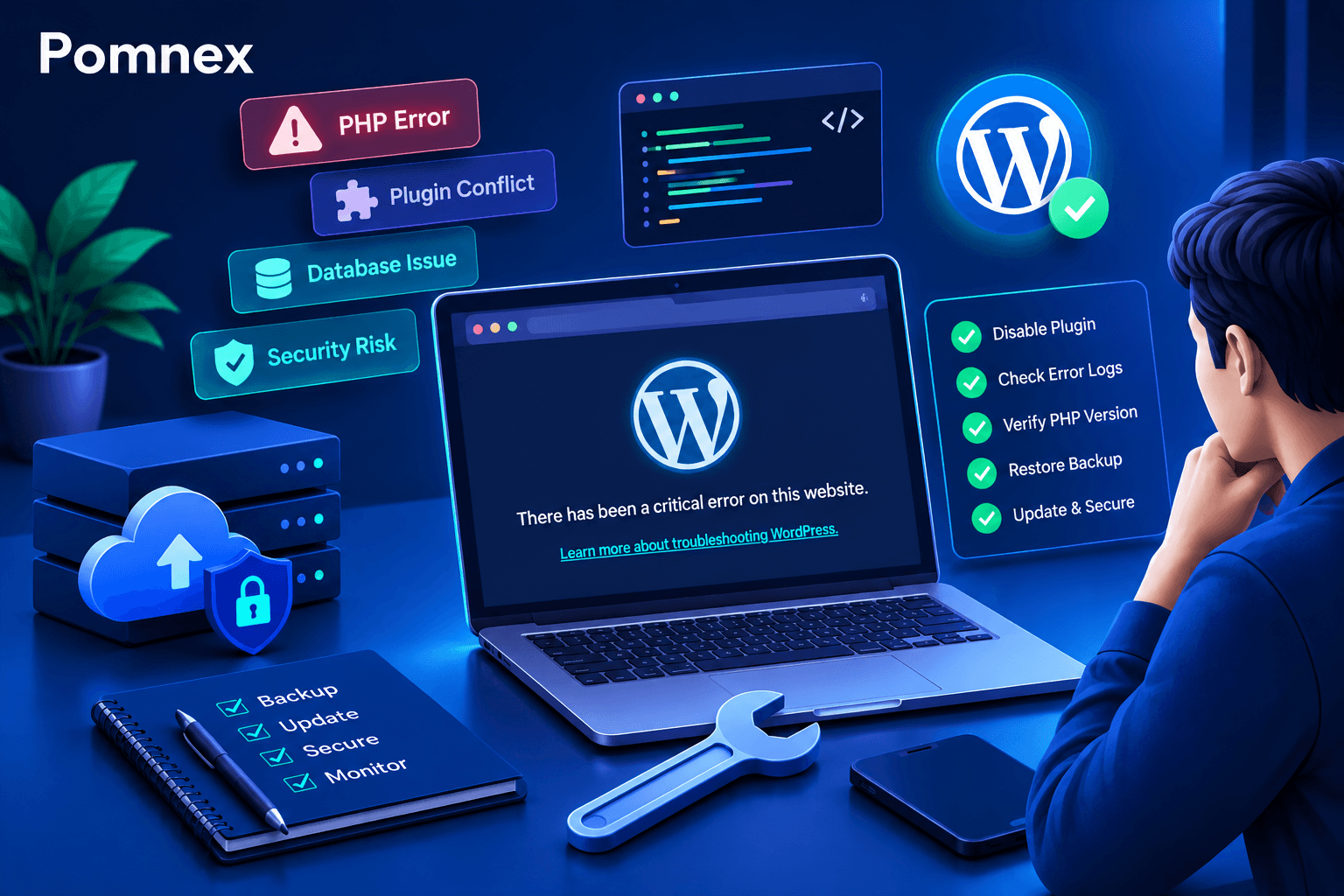
How to Fix the WordPress Critical Error After a Plugin Update
Did a plugin update trigger a critical error on your WordPress site? Learn how to identify the cause, check error logs, disable the faulty plugin, and safely restore your website.
wordpress-maintenance
WordPress Site Health Check: 9 Tests Every Website Owner Can Run
Learn how to check your WordPress site's health with practical tests for performance, security, email delivery, broken links, scheduled tasks, and website functionality.
wordpress-maintenance
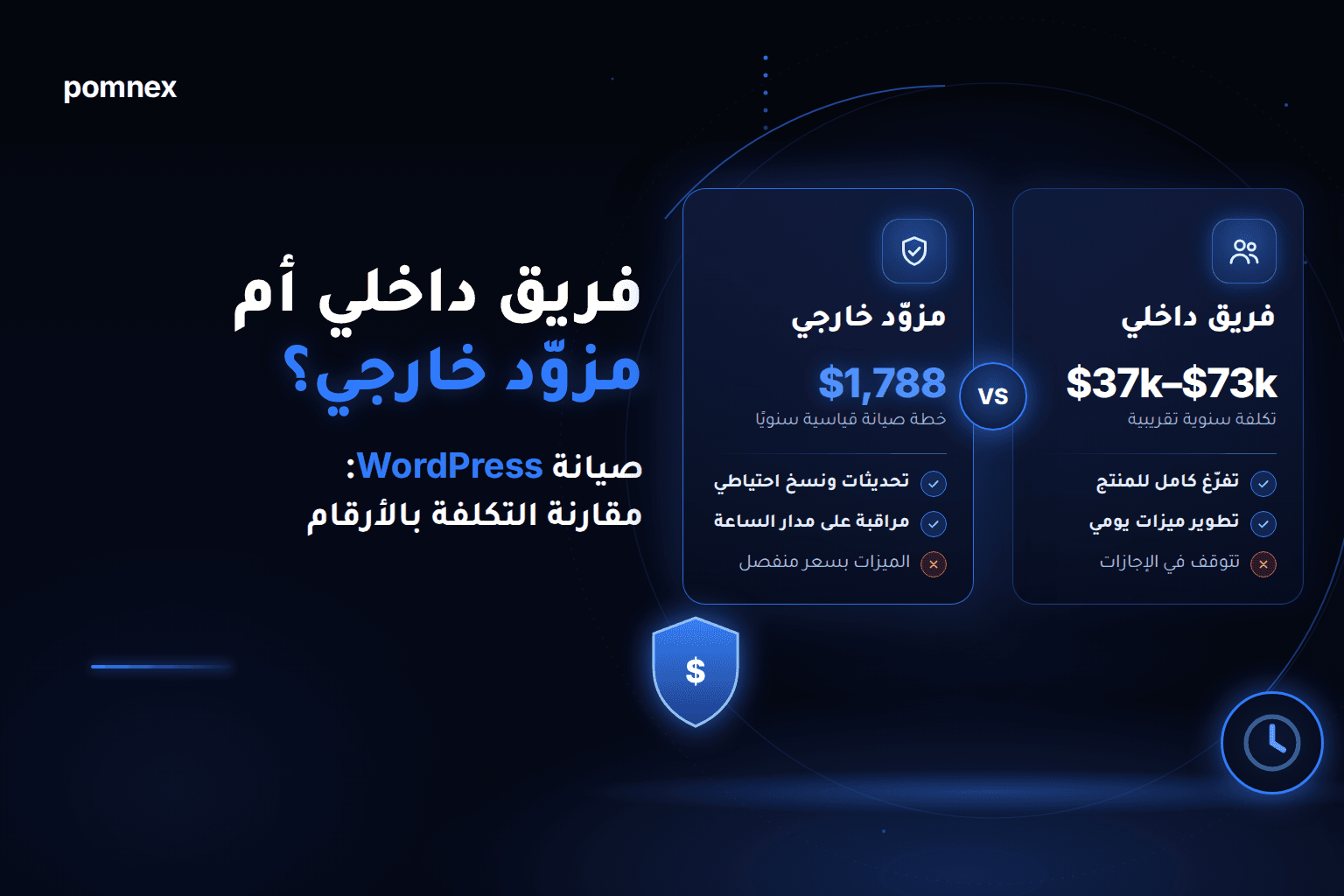
In-House WordPress Developer vs. Outsourced Maintenance: The Real Cost, in Numbers
Hire a WordPress developer or outsource maintenance? We compare published salaries in the UAE, Saudi Arabia, Germany and the UK with a $149/month plan, and explain when an in-house team wins