
wordpress-maintenanceWordPress Development
WordPress vs Custom Development: How to Choose the Right Technology
WordPress or a custom framework? Compare the advantages, limitations, costs, and scalability of WordPress, Laravel, and Next.js to choose the right approach for your project.
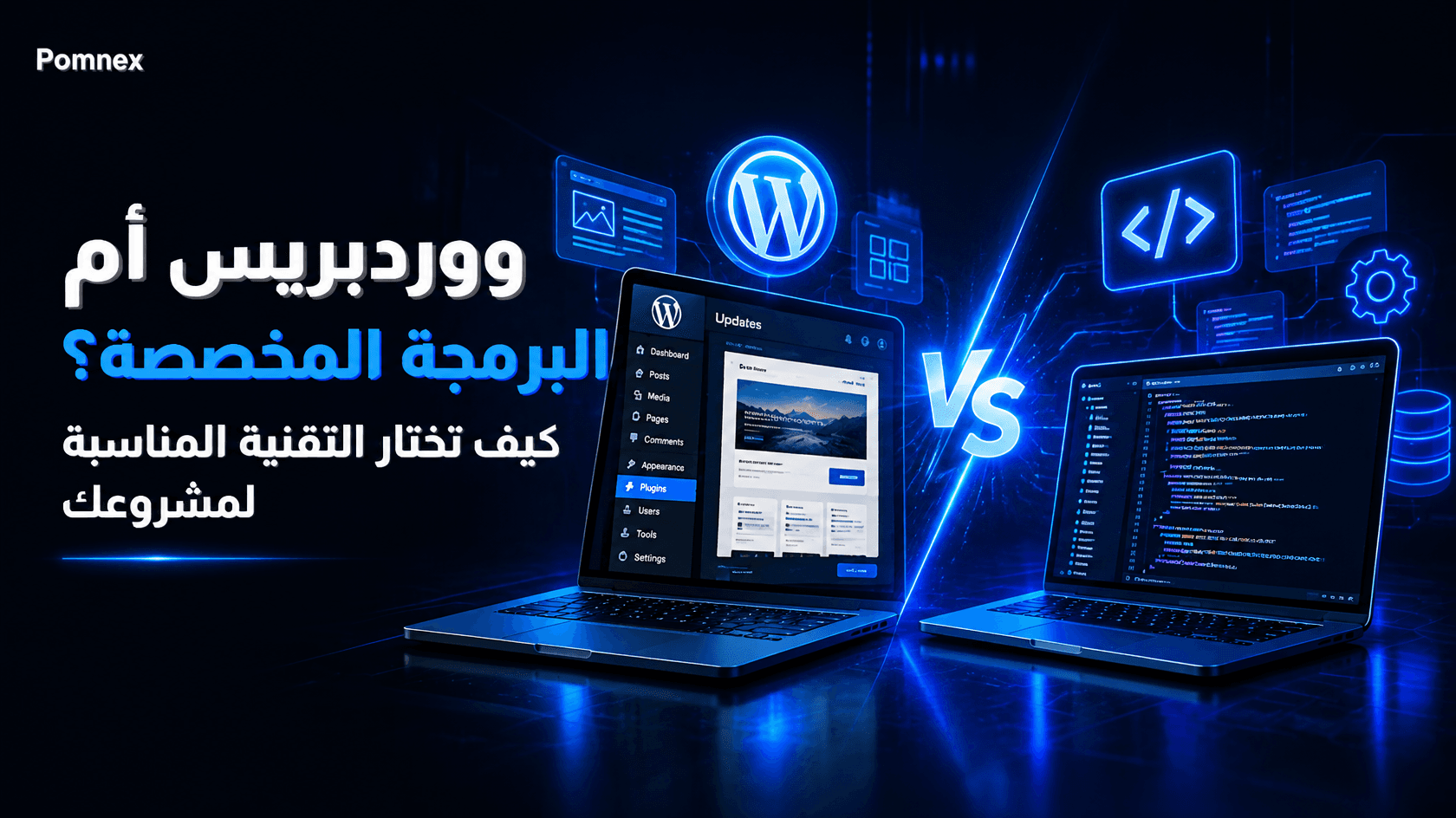
WordPress vs Custom Development: How to Choose the Right Technology
When planning a new website or digital product, one question comes up early: should you build it with WordPress, or use a framework such as Laravel or Next.js and write the code yourself?
There is no single answer that works for every project. WordPress can be an excellent choice for a business website, a content-heavy platform, or an online store. Custom development may be a better fit for applications with complex business logic, specialized workflows, or requirements that do not fit naturally into a traditional content management system.
The comparison is often presented in misleading terms. WordPress is sometimes treated as little more than a page builder, while custom development is portrayed as the only serious option for professional projects.
Neither view tells the whole story.
To make the right decision, you need to understand what each approach offers, where it falls short, and how it affects development time, cost, performance, and long-term maintenance.
What Is the Difference Between WordPress and a Framework?
What Is WordPress?
WordPress is an open-source content management system (CMS) built primarily with PHP. It provides an established foundation for managing content, users, permissions, media, pages, and posts.
Instead of building every basic feature yourself, you start with an existing system and extend it through themes, plugins, APIs, and custom code.
Most importantly, WordPress is not just a page builder. It is not limited to Elementor, Gutenberg, drag-and-drop interfaces, or visual page editing.
Developers can write PHP, JavaScript, and CSS, build fully custom themes, create plugins, develop administrative interfaces, integrate external APIs, and implement complex business functionality.
The official WordPress Developer Resources cover these capabilities in detail.
For example, a developer can build a custom payment integration, automate business workflows, add specialized WooCommerce pricing rules, or create a plugin that connects WordPress to an external platform. These are genuine software development tasks, not simply design customizations.
What Are Frameworks?
A framework provides a collection of tools, conventions, and components that help developers build applications without starting entirely from scratch.
Common examples include:
Laravel: A PHP framework well suited to backend systems, APIs, authentication, permissions, and business applications.
Next.js: A React framework for building web interfaces and full-stack applications, with server rendering, pre-rendering, and routing capabilities.
Django: A Python framework that provides tools for building web applications, working with databases, and managing users.
Ruby on Rails: A framework designed to support productive web application development through established conventions.
Using a framework does not automatically give you a finished application. You still need to design the data model, implement business rules, configure authentication and authorization, build the required interfaces, test the application, and plan deployment and maintenance.
Depending on the project, you may also need to integrate a database, a background job system, external services, and a separate content management solution.
WordPress: Advantages and Disadvantages
Why WordPress Can Be a Good Choice
1. Faster time to market
WordPress already includes many features that ordinary websites need, including content management, media handling, user accounts, and publishing workflows.
Themes and plugins can reduce the amount of code required to deliver common functionality. This makes WordPress particularly useful when a business needs to launch within a limited timeframe.
2. Lower initial costs for many projects
You do not need to build a content management system from scratch. Existing plugins can handle common requirements, while custom development can be reserved for features that genuinely need it.
However, WordPress is not automatically cheaper in every situation. Premium plugin subscriptions, complicated integrations, compatibility problems, and extensive customization can increase the total cost considerably.
3. Straightforward content management
Non-technical team members can publish articles, update pages, manage images, and maintain much of the website without involving a developer in every change.
This is especially valuable for businesses that publish content regularly or depend on organic search traffic.
4. Strong SEO capabilities
WordPress provides a useful foundation for managing content, URLs, metadata, and publishing structures. With appropriate configuration and development, it can support structured data, XML sitemaps, internal linking, and other technical SEO requirements.
Still, installing WordPress does not guarantee search rankings. Content quality, site performance, internal links, crawlability, and user experience all matter.
5. Extensive customization options
WordPress development goes well beyond installing plugins.
Developers can create custom themes and plugins, use hooks and filters to extend existing functionality, register custom content types, integrate third-party APIs, and implement business-specific logic.
WordPress can also serve as a content backend for a separate frontend application through its REST API.
6. A mature ecosystem
Official documentation, established coding standards, community resources, and a large pool of developers make it easier to find tools and expertise for many common requirements.
Where WordPress Falls Short
1. Too many plugins can create complexity
Installing a separate plugin for every requirement can lead to overlapping functionality, unnecessary dependencies, performance issues, and compatibility conflicts.
The solution is not to avoid plugins altogether. It is to evaluate them carefully, keep the installation focused, and use custom development when it offers a clear advantage.
2. Security requires ongoing attention
Outdated software, vulnerable plugins, weak credentials, and poor server configuration can expose a WordPress website to attacks.
This does not mean WordPress is inherently insecure. Security depends on the quality of the code, configuration, updates, access controls, and ongoing monitoring.
3. Performance is not automatic
A well-built WordPress website can be fast. However, heavy themes, unnecessary plugins, inefficient database queries, and inadequate hosting can slow it down.
Performance should be measured and improved through appropriate caching, optimized assets, efficient queries, and sensible resource loading.
4. Large customizations can become difficult to maintain
When business logic is spread across many plugins, themes, and patches, understanding the complete system can become challenging.
Good architecture makes a difference. Well-organized custom plugins, documented interfaces, automated tests, and clear separation of responsibilities can keep a WordPress project maintainable as it grows.
5. Some application architectures are a poor fit
Applications that require extensive real-time processing, specialized data pipelines, complex distributed services, or highly customized operational workflows may be easier to design as independent applications rather than extending WordPress indefinitely.
The key question is whether WordPress remains a natural fit for the system, not whether it can technically perform the required operations.
Custom Development: Advantages and Disadvantages
Why Choose a Framework?
1. Greater architectural freedom
With a framework, you can design the database, application layers, business logic, and workflows around the actual requirements.
This is particularly useful when the product's core value lies in its specialized operations rather than its content management features.
2. More control over application structure
You can organize the code into modules, services, and clearly defined boundaries. You can also choose design patterns and architectural approaches appropriate to the expected complexity.
That freedom comes with responsibility. A poorly designed custom application can be harder to maintain than a well-structured WordPress website.
3. Greater flexibility for complex integrations
Frameworks can be a natural fit when an application connects several external systems, processes large amounts of data, or needs carefully controlled retries, queues, and error handling.
WordPress can support integrations too. The deciding factors are the complexity of the integration, its operational requirements, and how naturally it fits the existing architecture.
4. More control over performance and scaling
Custom applications allow developers to select caching strategies, database structures, background processing systems, and infrastructure based on actual workload requirements.
However, choosing a modern framework does not automatically make an application faster or more scalable. Those qualities depend on implementation, architecture, testing, and infrastructure.
What Are the Downsides of Custom Development?
1. Longer development time
You may need to implement features that WordPress already provides, including administrative interfaces, user management, content workflows, and permission systems.
The additional work may be justified, but it should be part of the initial estimate.
2. Higher upfront investment
Architecture, implementation, testing, deployment, and documentation all require time and expertise.
For a simple business website, this investment may deliver little practical benefit compared with an appropriately customized CMS.
3. Greater maintenance responsibility
You must plan for dependency updates, security patches, backups, monitoring, testing, and future feature development.
If you build your own content management system, you must also maintain the functionality that content editors and administrators rely on.
4. Dependence on the right technical expertise
A custom application may depend heavily on developers who understand its architecture and implementation decisions.
Clear documentation, automated tests, familiar technologies, and consistent coding standards reduce the risk of knowledge becoming concentrated in one person.
Comparing WordPress With Framework-Based Development
The choice between WordPress and a software framework depends on the project's requirements, not simply on the technology itself.
WordPress provides an established foundation for managing content, users, and publishing workflows. This often makes it faster and more cost-effective to launch business websites, blogs, and online stores. Developers can also extend its capabilities using PHP, JavaScript, custom plugins, and APIs without building every feature from scratch.
Frameworks such as Laravel and Next.js offer greater freedom when designing application architecture and implementing complex business logic. However, they may require more development time and a larger initial investment, especially when essential features that WordPress already provides must be built separately.
Performance, security, and scalability do not automatically favor either approach. These qualities depend on implementation, hosting infrastructure, code quality, maintenance practices, and how well the architecture matches the project's requirements.
If your project primarily focuses on content, pages, products, and straightforward business functionality, WordPress may be the more practical choice. If you are building an application with complex workflows or specialized architectural requirements, a framework may provide a better foundation.
When Should You Choose WordPress?
1. Business and Service Websites
If your website needs service pages, company information, contact forms, landing pages, and a blog, WordPress will often provide everything you need without requiring a completely custom application.
2. Blogs, Publications, and Content Platforms
WordPress is particularly useful when teams publish frequently and need categories, authors, scheduled publishing, media management, and a practical editorial workflow.
3. E-Commerce Websites
WooCommerce can provide product management, orders, shipping, tax configuration, and a broad ecosystem of extensions.
If your store has unusually complicated pricing, inventory, fulfillment, or checkout requirements, evaluate those requirements carefully before committing to the platform.
4. Websites That Need Custom Functionality
A website may need a custom dashboard, a membership system, an external API integration, or specialized business rules without needing an entirely separate application.
A custom WordPress plugin may be the most practical solution.
Read our guide on custom vs off-the-shelf WordPress plugins to understand when bespoke development makes sense.
5. Projects With Limited Budgets or Tight Deadlines
If you need to validate a business idea or launch a website quickly, WordPress can reduce the initial investment and leave more resources available for content, marketing, and customer acquisition.
When Are Frameworks the Better Choice?
1. SaaS Applications
A SaaS product may require subscription management, isolated workspaces, complex permissions, usage limits, billing, background jobs, and extensive application-specific workflows.
Laravel or a full-stack application built with Next.js may provide a more natural foundation for these requirements.
This does not mean WordPress cannot implement them. Rather, as the product grows, an independent application architecture may be easier to organize, test, and extend.
2. Complex Internal Business Systems
Resource management systems, operational platforms, approval workflows, and applications with extensive relationships between business entities can benefit from an architecture designed specifically for those processes.
3. Highly Interactive Applications
If the core experience depends on sophisticated interactive interfaces, frequent real-time updates, or complex user workspaces, React and Next.js may be suitable frontend technologies, with Laravel or another backend framework handling server-side responsibilities where appropriate.
4. Products With Specialized Technical Requirements
Some products need intensive data processing, background queues, distributed services, or infrastructure designed around specific operational constraints.
In these cases, choose the technology based on measurable requirements rather than popularity or trends.
Can You Combine WordPress With a Framework?
Absolutely. The choice does not have to be either WordPress or custom development.
One approach is to use WordPress for content management and a separate frontend built with Next.js. This architecture is commonly called headless WordPress.
The WordPress REST API allows an application to retrieve content and integrate it into a separate interface. This can be useful when the website needs a highly customized frontend while editors still benefit from WordPress's content management tools.
Another approach is to use WordPress for the marketing website and blog, while a separate Laravel application handles the SaaS product.
This allows each component to use technology suited to its responsibilities. However, it also introduces additional work around deployment, authentication, caching, data synchronization, and maintenance.
Adopting a headless architecture simply because it sounds more advanced is rarely a good reason on its own.
See the official WordPress REST API documentation for details on connecting WordPress with other applications.
How to Choose the Right Technology for Your Project
Before making a decision, consider the following questions:
What is the primary purpose of the project? Is it mainly a content-driven website, or an application that executes complex business operations?
How much custom functionality is genuinely necessary? Can existing WordPress capabilities and extensions cover most requirements, or does the application need a largely independent business logic layer?
Who will manage the content? If non-technical team members regularly publish articles and update pages, a ready-made CMS can be a major advantage.
What are the budget and timeline? Consider development, hosting, maintenance, updates, and future changes not just the initial build.
What are the technical risks? Evaluate security, data volume, integrations, performance requirements, and the team's ability to maintain the system.
Can the architecture evolve with the product? Choose a foundation that supports expected growth without introducing unnecessary complexity before it is needed.
Final Verdict: Choose the Technology That Serves the Project
WordPress is not inherently less professional than custom development, and choosing a modern framework does not automatically produce a better application.
For a business website, blog, online store, or content platform with specialized features, WordPress combined with thoughtful custom development may be the most practical option.
For a complex SaaS product, an extensive internal business system, or an application with specialized architectural requirements, a framework may provide a better foundation.
Do not start by asking which technology is more powerful. Ask which reliable architecture can meet your current requirements and accommodate the growth you can reasonably anticipate.
That approach helps avoid both unnecessary engineering costs and the limitations of choosing a solution that is too simple for the problem.
If your existing WordPress website needs functionality that off-the-shelf plugins cannot provide, custom plugin development may be a better next step than rebuilding the entire website.
Explore Pomnex custom WordPress plugin development to learn how purpose-built functionality can extend WordPress.
If you already operate a WordPress website and want to keep it secure, stable, and maintained, see our WordPress maintenance service.
Related articles
wordpress-maintenance
WordPress Site Broken After an Update? How to Fix It
Did your WordPress site stop working after a plugin or theme update? Learn how to diagnose the error, restore access, and fix the problem safely.
wordpress-maintenanceWordPress Security
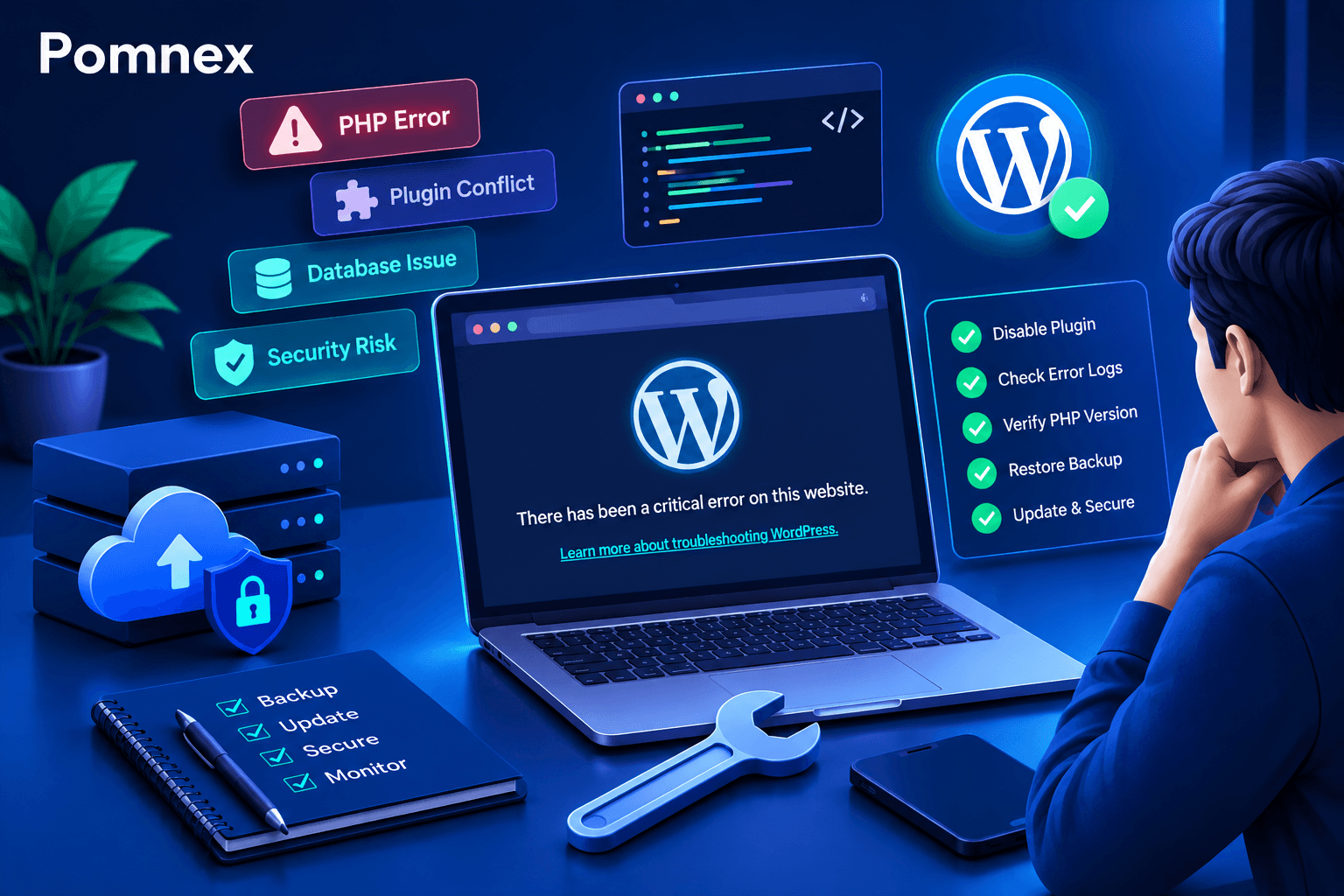
How to Fix the WordPress Critical Error After a Plugin Update
Did a plugin update trigger a critical error on your WordPress site? Learn how to identify the cause, check error logs, disable the faulty plugin, and safely restore your website.
wordpress-maintenance
WordPress Site Health Check: 9 Tests Every Website Owner Can Run
Learn how to check your WordPress site's health with practical tests for performance, security, email delivery, broken links, scheduled tasks, and website functionality.